How to stop bot and spam leads on website forms without losing real enquiries
Fake leads waste your sales team’s time and poison your ad data. Here is a layered approach that blocks bots while keeping forms easy for real people.
 Balwan Singh8 Sept 20262 min read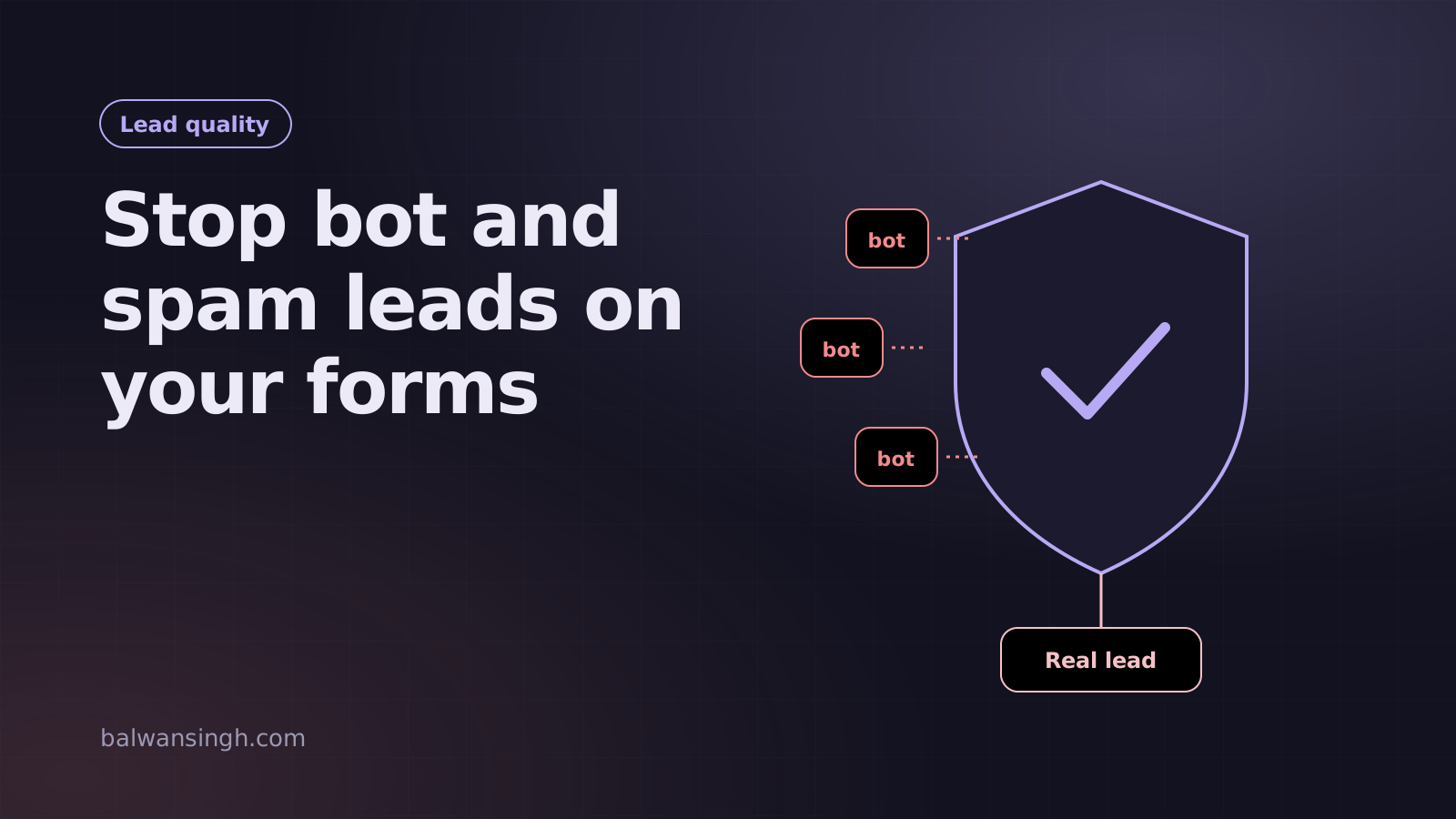
Spam leads cost more than wasted time. If your ad conversions fire on every form submission, bots train Google Ads and Meta to find more people like them. Your cost per lead looks fine while your sales team chases fake numbers.
No single trick stops all spam. What works is layers: cheap checks that stop simple bots, and stronger checks for what gets through, without making real people jump through hoops.
Layer 1: Honeypot field
Add a hidden field that people never see but bots fill in. If it has a value, silently discard the submission.
<input type="text" name="company_website" tabindex="-1" autocomplete="off"
       style="position:absolute;left:-9999px" aria-hidden="true" />
Cost to real users: zero. It stops a surprising share of basic bots.
Layer 2: Time-to-submit check
Record when the form loaded and reject submissions completed in under two or three seconds. Humans cannot read and fill a form that fast.
Layer 3: Invisible challenge
Use Cloudflare Turnstile or reCAPTCHA v3. Both run in the background and only challenge suspicious visitors. Turnstile is free and privacy-friendly, which is why I use it by default.
Always verify the token on the server. A check that only runs in the browser can be skipped.
Layer 4: Server-side validation and rate limits
- Validate phone numbers (length, country format) and email domains on the server
- Reject submissions with links in the name field
- Rate-limit by IP so one source cannot submit hundreds of times
- Protect the API endpoint itself, because bots often post to it directly, skipping your form
That last point is often missed. If your form posts to /api/lead, a bot can call it without ever loading your page.
Layer 5: Phone verification with OTP
For high-value leads, verify the phone number with a one-time code. WhatsApp OTP works especially well in India: messages arrive instantly and many users prefer WhatsApp to SMS.
To keep conversion rates healthy:
- Ask for the OTP only after the main details are entered
- Auto-fill the code where the platform allows
- Allow a resend after 30 seconds
- Keep the form usable if the OTP service is briefly down, by flagging the lead as unverified instead of blocking it
Layer 6: Fire conversions only for clean leads
Send the conversion event to Google Ads and Meta after the lead passes your checks, not on button click. This alone improves ad performance, because the platforms stop learning from junk.
Measure the effect
Track three numbers before and after:
- Total submissions
- Submissions marked as spam or unverified
- Leads your sales team marks as genuine
Total submissions usually drop. That is the point. What matters is that genuine leads hold steady or rise, and your cost per real lead falls.
A quick checklist
- Honeypot field
- Minimum time to submit
- Turnstile or reCAPTCHA v3, verified on the server
- Server-side validation and rate limiting
- OTP for high-intent forms
- Conversions fired only after validation
If spam is clogging your CRM, I can audit your forms and set up layered protection that keeps real enquiries flowing.
Frequently asked questions
Is reCAPTCHA enough to stop spam leads?
Will OTP verification reduce my conversion rate?
Why are bots submitting my form at all?
Written by Balwan Singh
Full-stack developer and marketing technologist with 4+ years building websites, tracking, CRM and automation. More about me.